
NeQter Core Version 3 is one of our largest updates to date, touching virtually every corner of the platform. We’ve focused on giving you more flexibility, deeper insight into your security data, and a cleaner, more intuitive workflow, whether you’re managing inventory, preparing for an auditor, or keeping tabs on system logs.
Here is a full breakdown of what’s changing, what’s new, and how you can get started.
Rollout & Early Adopter Access
We targeted October 6th for the official release after two solid months of testing and evaluation. As we wrap up final hardware checks, we’re opening up an early adopter program to help smooth out the transition.
If you’d like early access, keep an eye out for our follow-up email. We’re starting primarily with Virtual Machine (VM) environments during the first week. This keeps things safe and manageable, as reverting a VM snapshot is much easier if an unexpected glitch pops up after all our testing. Hardware rollouts will follow about a week later.
Upgrading is straightforward; it’s just a standard update right through the system. We always recommend taking a backup or snapshot beforehand, but there are no extra hoops to jump through. If you prefer to stay on Version 2.0 for a bit, our technical support team will continue to support it, though we strongly encourage moving to V3 to take advantage of all the new features.
What’s New in Version 3?
New* Guided Tours and Helpful Hints
Because Version 3 updates so much of the user interface, we didn’t want anyone feeling lost. We’ve added page-specific tours and helpful hint pop-ups throughout the tool. As you navigate to different pages, these non-intrusive pop-ups will introduce new features, highlight important changes, and suggest the best order of operations.
Tours run on a per-user basis, meaning new team members will get the same helpful walk-through when they log in. If you ever skip a tour or want a refresher later, you can easily reset them from the admin panel at any time.

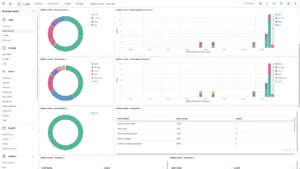
New* Custom Dashboards & Visualizations
Custom dashboards have been our most requested feature over the years. When we first built NeQter a decade ago, our goal was to keep everything plug-and-play so smaller clients wouldn’t break their setups. But as our clients grew and regulations like CMMC and NIST evolved, the need for tailored views became clear.
In Version 3, you can build custom dashboards using existing charts or design completely new visualizations from scratch. You can take any data set from the Discover tab, whether it’s a saved search or an index pattern, test out different chart types in the visualization editor, and pin it to a board. This makes it effortless to group related data into one view. For example, you can build a single dashboard containing authentication logs across Windows, Sophos, and Office 365 to show an auditor everything they need in one place. Just remember to hit the save button when you’re done building to lock your layouts in place.
A Smarter Monitoring, Event, and Alert Flow
We’ve revamped how alerts work to make the entire process more intuitive and flexible. Previously, the relationship between alerts and events felt a bit backward. Version 3 introduces a clearer, three-step approach:
-
Monitors: Think of a monitor as an active watch based on a saved search. You define your parameters, like time windows, check frequency, and thresholds. The new Monitoring page gives you a live grid view where you can watch how your monitors perform against their thresholds in real time. This makes it easy to see if a threshold is set too high or if it needs adjusting.
-
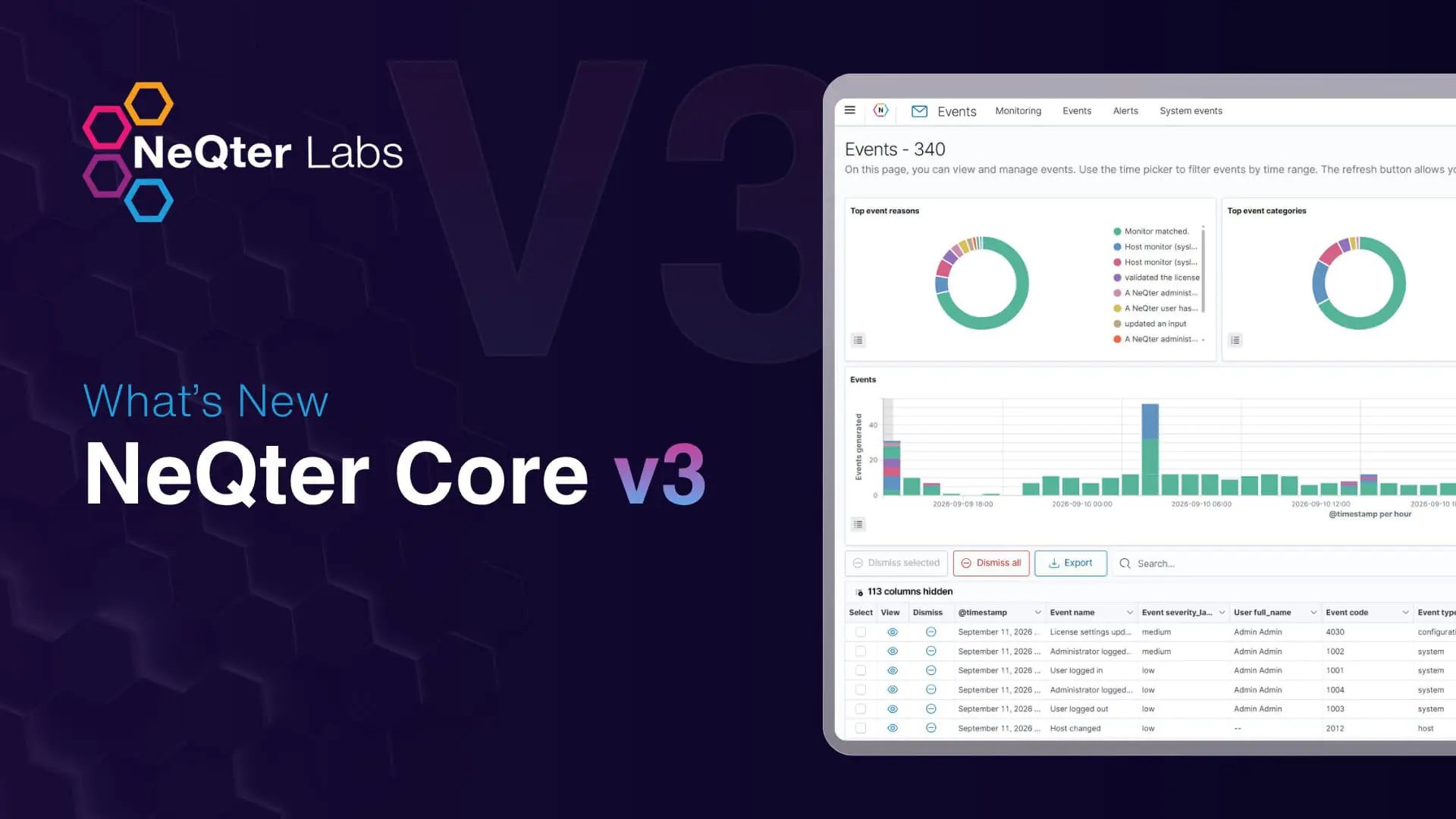
Events: When a monitor hits its threshold, it generates an event. We’ve created a dedicated, fully interactive Events page that works much like the Discover tab. You can filter events by severity or type, review them, dismiss them with notes, and pull them up later for audit trails.
-
Alerts: From there, you set up your notification rules. Instead of creating dozens of individual alert setups, you can route notifications by severity or specific event codes. For instance, you can route all medium-and-above severity events to a specific email, or push Office 365 high-severity events straight to a Slack or Microsoft Teams webhook.
System Audit Events
Beyond monitoring your network, NeQter Version 3 keeps a close eye on itself. We built a comprehensive audit system that tracks nearly every internal action taken within the platform. These range from non-severity informational events to high-severity configuration changes. Everything is fully configurable on a single settings page, letting you raise or lower event severities based on your organization’s internal policies or CMMC assessment needs.
Upgraded Host Inventory & Software Baselining
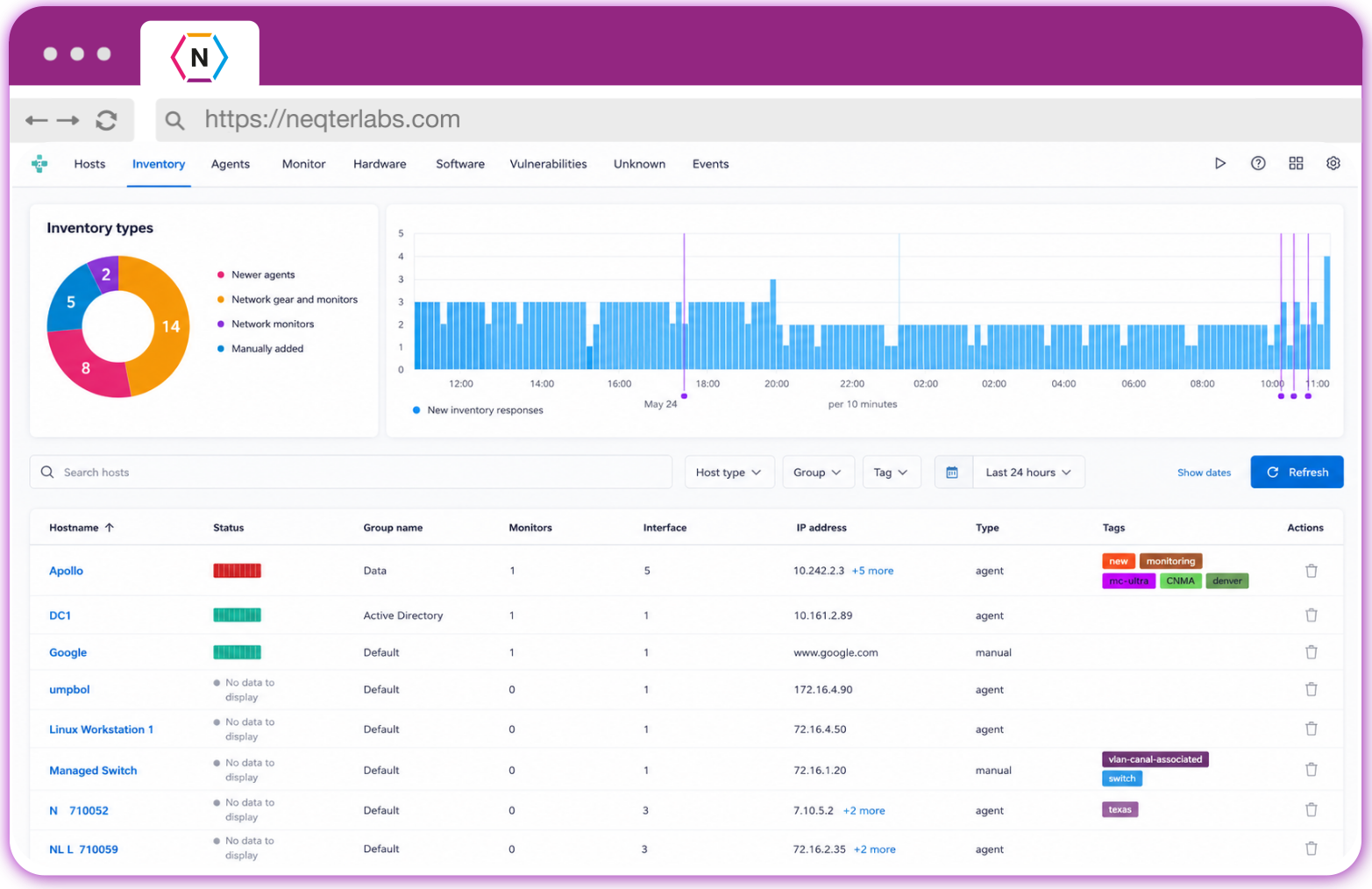
Navigating your hosts is much smoother now thanks to customizable layouts, bulk editing, and traveling filters that stay with you as you click from page to page.
We’ve also made major upgrades to software management:
-
New* Vulnerability Context: Software lists now cross-reference against CPE vulnerability databases, making it easy to spot out-of-date applications or known high-severity vulnerabilities directly within the software tab.
-
New* Software Baselining: You can now build approved software baselines to track compliance across your network. You can build a baseline from scratch or snapshot a known system, like a domain controller, and flag items as allowed or banned. If a host drifts out of compliance, NeQter alerts you so you can address it. Note: Baselining alerts you to non-compliant software; it does not block installations on the host itself.

Refreshed Reporting & Vulnerability UI
We’ve modernized the Vulnerability Scanner interface to match the rest of V3, making it faster to filter and drill down into scan data (though the classic view remains available under the legacy tab). We’ve also completely overhauled our reports with standardized layouts, executive summary charts, dynamic color coding, clean tables of contents, and long-awaited direct PDF export options.
For those asking about the Compliance Tool, core workflows remain steady for now, with updates planned down the line as NIST SP 800-171 Rev 3 and CMMC requirements solidify.
What’s Next?
Version 3 is a direct reflection of the feedback we’ve gathered from our community over the years, and we can’t wait for you to get your hands on it. As we roll out this update, we welcome your input to help us refine and polish every detail.
Keep an eye out for upcoming updates, check out our new documentation as it goes live, and don’t hesitate to reach out to our team with any questions. Thank you for being a part of the NeQter journey, we look forward to hearing your thoughts on Version 3!