

When organizations prepare for a CMMC assessment, firewalls often get treated like the centerpiece of compliance. In reality, auditors are not evaluating your firewall as a product.
Instead, they are evaluating how well you can define, enforce, and prove that your Controlled Unclassified Information (CUI) environment has boundaries and proper data flows.Your firewall matters, but only because it helps demonstrate something bigger: control over where CUI data enters, exits, and moves inside your environment.
Are Firewalls Required for CMMC Compliance?
While firewalls are not explicitly required by name for every CMMC environment, they are the indispensable tool required to meet boundary protection, access control, segmentation, and monitoring expectations.
When a firewall protects systems that process, store, or transmit CUI, it is usually treated as a Security Protection Asset. That means assessors may look at how it supports the CMMC scope, including the security role it performs and the evidence it produces. A firewall is more than a network appliance in this context. It can become part of your audit evidence when its configuration, rules, and logs help prove that traffic is controlled, monitored, and limited to authorized activity.
Internal vs External System Boundaries
Auditors will ask you to describe both internal and external system boundaries, and this is where clarity matters.
Internal system boundaries include anything that separates CUI data in your internal network. This may include internal firewalls, routers, network segmentation (VLANs), or any device that groups environments in categories such as development, production, or systems handling CUI. The key question auditors are asking is simple: Can you prove that internal traffic is intentionally controlled, not freely allowed? External system boundaries define where data enters and exits from outside your environment. These include firewalls, routers, VPN gateways, cloud service boundaries, remote access portals, and partner connections. All systems handling CUI should be clearly contained behind these controlled entry and exit points.
How Firewalls Support CMMC Boundary Protection Requirements
One of the most important firewall-related controls is boundary protection (SC.L2-3.13.1). Think of boundary protection as defining the front door, back door, and windows of your network — and making sure they’re all locked and logged. Auditors are validating that CUI traffic is being monitored and controlled at system boundaries. That includes both external and internal interfaces.
What they want to see is not complexity, it is clarity. Your firewall should enforce a well-defined model of how CUI traffic flows internally and externally throughout the environment. As well as where restrictions are placed on CUI traffic to ensure CUI is protected in your environment.
This typically includes:
- Controlled entry and exit points for internet traffic
- Segmentation between production, development, and restricted environments (meaning CUI data is kept separate from the rest of your systems)
- Controls for any cloud environments (such as Microsoft Azure or AWS) that handle CUI data.
- Firewall rules that provide documented proof of boundary enforcement
When Does CMMC Require FIPS-Validated Cryptography for Firewalls?
Another control that often comes up in firewall conversations is 3.13.11, which states “Employ FIPS validated cryptography when used to protect the confidentiality of CUI”.
This is where a lot of confusion happens.
FIPS (Federal Information Processing Standards) validation applies to cryptographic modules validated under NIST’s Cryptographic Module Validation Program, not simply to a firewall brand or encryption algorithm. The FIPS requirement is not about how your firewall manages traffic rules. It applies specifically to how data is encrypted when moving between locations. Your firewall must use FIPS-validated cryptography if it is actively encrypting, transmitting, or decrypting CUI.
Common use cases in a firewall include:
- Site-to-Site VPNs
- Remote Access VPNs
- Outbound and inbound CUI transmission
In those cases, the cryptographic module used for that VPN must be FIPS-validated if it is protecting CUI traffic.
So the auditor’s focus is not “is your firewall FIPS certified?” but rather:
“Are the cryptographic mechanisms protecting CUI compliant where they are actually being used?”
Everything else, like firewall rule enforcement, doesn’t typically directly apply to FIPS validation.
What Firewalls Work Best for CMMC Compliance?
NeQter Labs commonly supports integrations with:
- Fortinet
- Sophos
- SonicWall
- Meraki
- Cisco
- And more
These platforms are widely used in CMMC environments because they provide strong logging capabilities and flexible configuration options. Many models from these vendors offer FIPS-validated cryptographic modules or FIPS modes, but validation depends on the exact model, firmware, configuration, and certificate.
Why Firewall Logs Matter for CMMC Audit Evidence
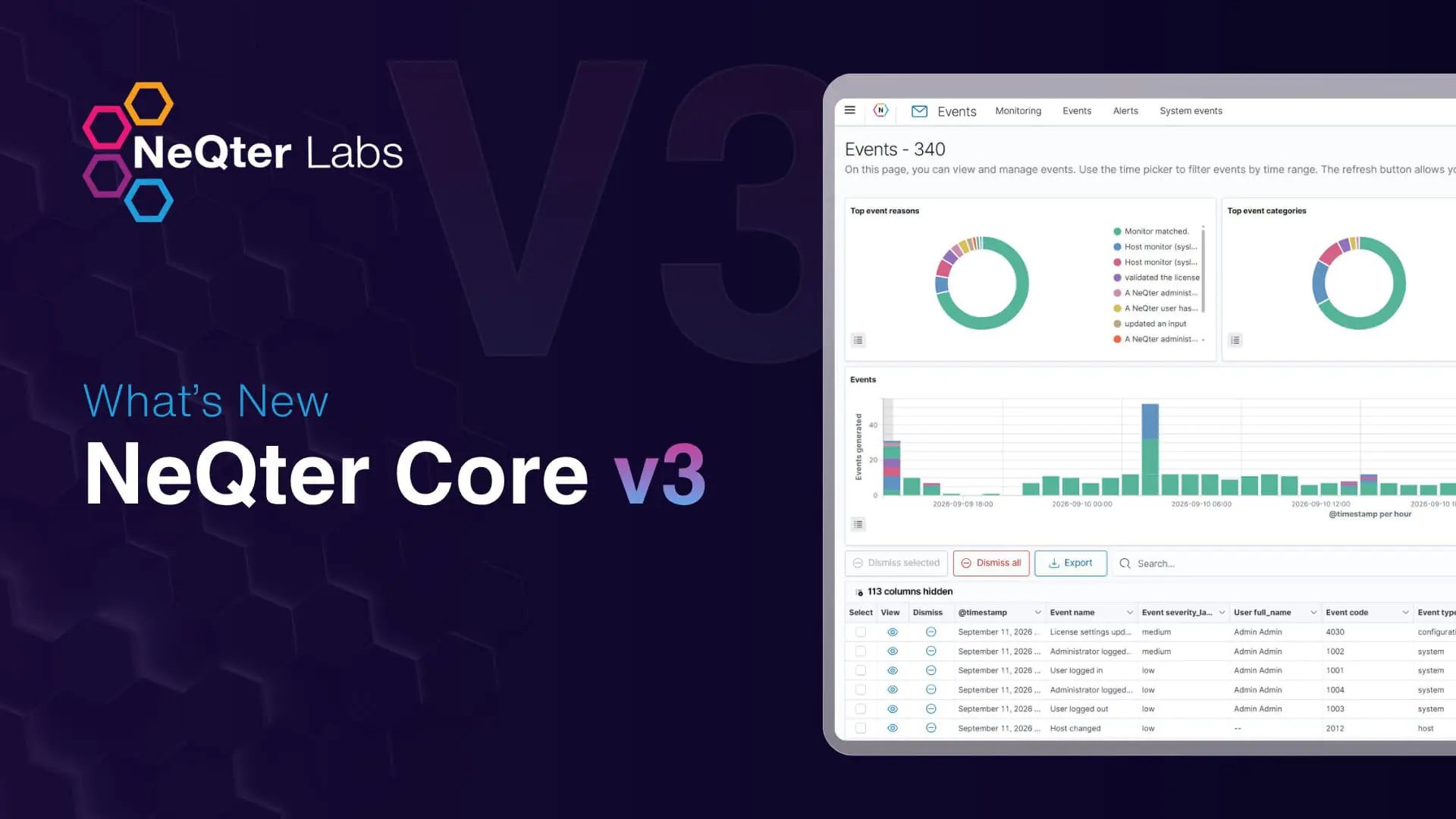
Firewalls alone are not enough for CMMC evidence. Auditors also expect visibility into boundary activity. This is where the NeQter Core SIEM (Security Information and Event Management, a system that collects and analyzes security logs from across your environment) becomes relevant. NeQter Labs does not act as a firewall replacement, but instead offers monitoring and visibility for your network.
NeQter’s SIEM doesn’t enforce firewall rules. Instead, it helps organizations collect and analyze firewall activity to support audit readiness and continuous monitoring.
How NeQter Integrates With Firewalls
NeQter receives log data directly from your firewall in real time by collecting syslogs from the firewall. Syslog is a standard protocol firewalls use to send log data to systems.
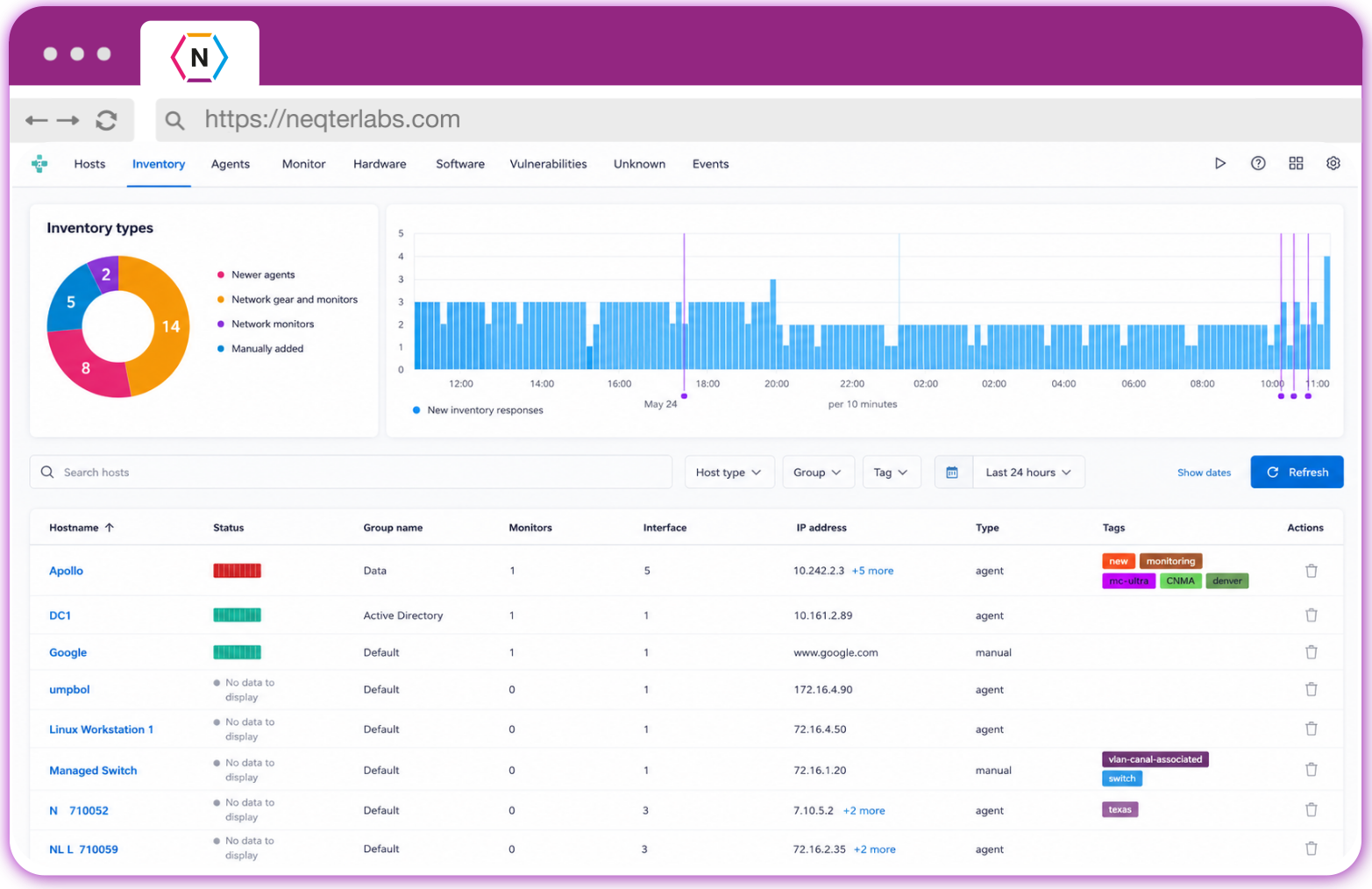
The NeQter Core SIEM receives and organizes that data so it can be searched, analyzed, and turned into compliance reports
Setup is straightforward. NeQter includes built-in guides for each supported firewall platform.
What You Can Do With Firewall Data in NeQter
NeQter gives your team practical tools to use firewall data for both day-to-day security and CMMC audit preparation.
The NeQter SIEM tool will allow you to create alerts that tie directly to CMMC compliance, like authentication attempts, blocked traffic, VPN activity, configuration changes, etc.
NeQter provides the ability to search through firewall activity, filter by device or connection type, and trace specific events to investigate potential issues.
Users can create alerts based on saved searches to trigger events. Some common events include repeated login failures, unusual connections, suspicious traffic patterns, etc. Alerts can be used to create reports that can be directly linked to your company’s CMMC compliance efforts.
Firewall and VPN logs can support evidence for controls such as SC.L2-3.13.1, AC.L2-3.1.12, and SC.L2-3.13.7 when those logs show boundary traffic, remote access activity, VPN behavior, and routing decisions.
- SC.L1-3.13.1 – Monitoring and controlling communications at system boundaries
- AC.L2-3.1.12 – Remote access monitoring
- SC.L2-3.13.7 – Detecting insecure routing behaviors such as split tunneling
The Bottom Line
CMMC auditors are not evaluating firewalls as products. They are evaluating whether your organization can clearly define and demonstrate control over system boundaries and prove that control through configuration and logs.
When firewalls are properly segmented, correctly configured, and paired with visibility tools like NeQter Core, they become more than infrastructure. They become verifiable evidence that your boundaries are real, enforced, and continuously monitored.